“PENDO Dreamweaver Ads Template” Documentation by “on3-step”
“PENDO Dreamweaver Ads Template”
Created: 14/08/2016
By: on3-step
Email: desmon25@live.com
Thank you for purchasing my template. If you have any questions that are beyond the scope of this help file, please feel free to email via my user page contact form here. Thanks so much!
Table of Contents
- PSD + Handcode(dreamver template)
- Sources and Credits
A) PSD + Handcode file
I've included all size psd and HTML5in this template:
- rectangle
- lrectangle
- wskyscraper
- leaderboard
- halfpage
A) HOW TO USE
Please choose Ads serving will use on your campaign

Open index.html in Dreamweaver choose Design view on there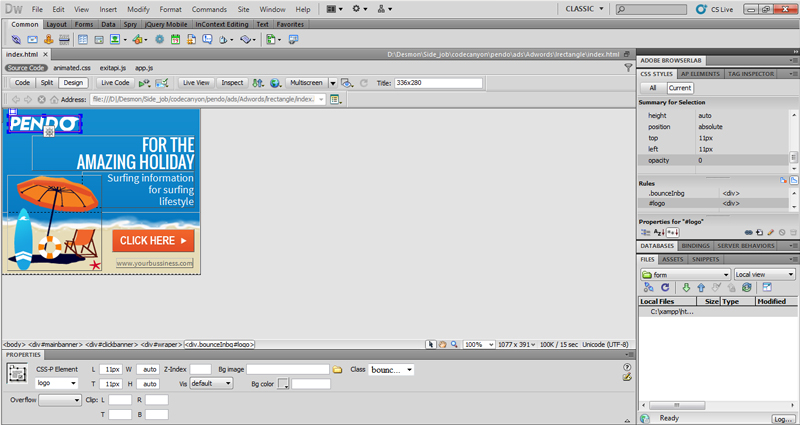
To change position, just Drag and Drop the element inside and save (ctrl + s)
To change property width and height change element property on the bottom
Some of elemet using background-image, you can change you own element image in same folder and root, and make sure enought width and height on left panel property
Change image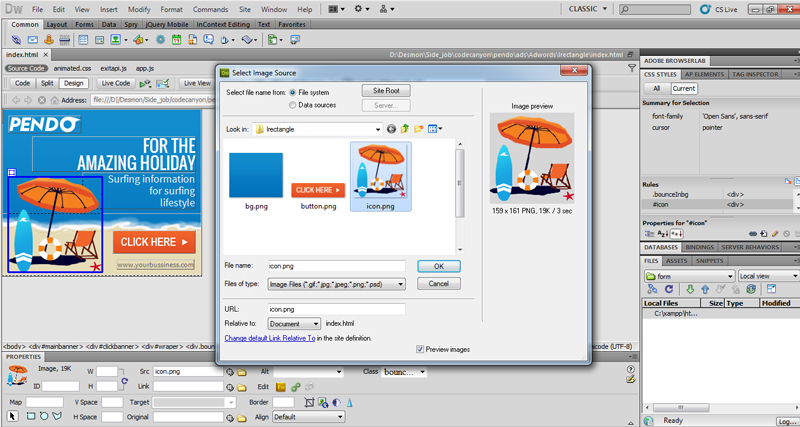
For change image element, like logo, background, and button, replace your own element and put it in same folder and root, inside in template
Change text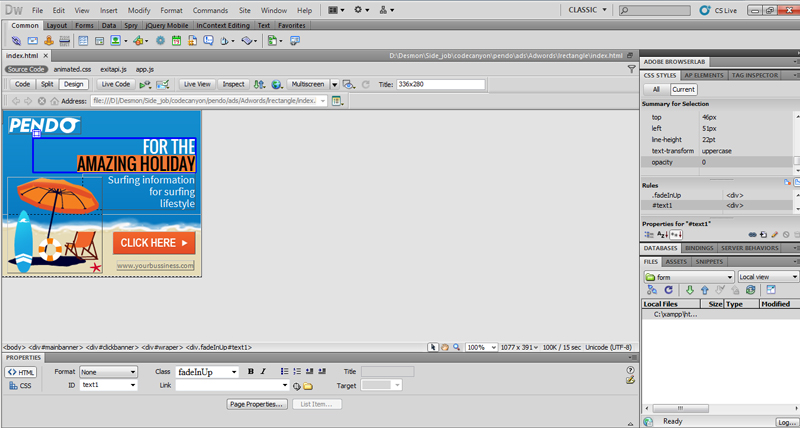
Rewrite your own text or tagline, and for change the size color of element inside, doubleclick panel properties on right side,
for add a line break, place your cursor where you want the new line to start, Hold down the shift key and press [ENTER].
Change animation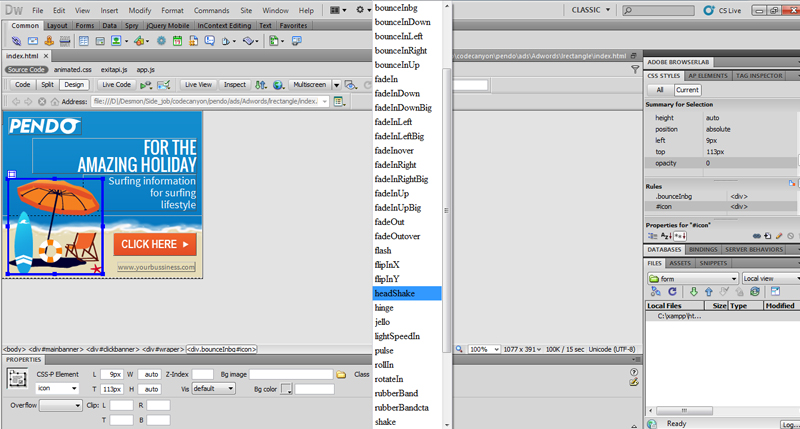
For change animation element, like text, logo, background, button or icon, replace your own animation on this panel property, and also you can change your own text with png file with transparent background
Change hover animation
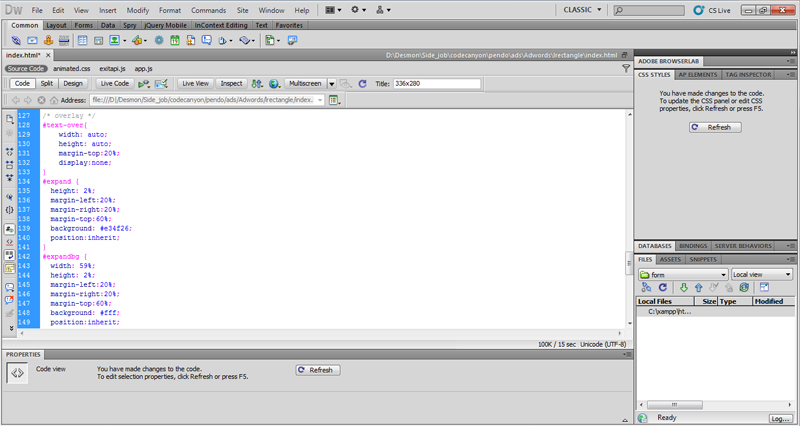
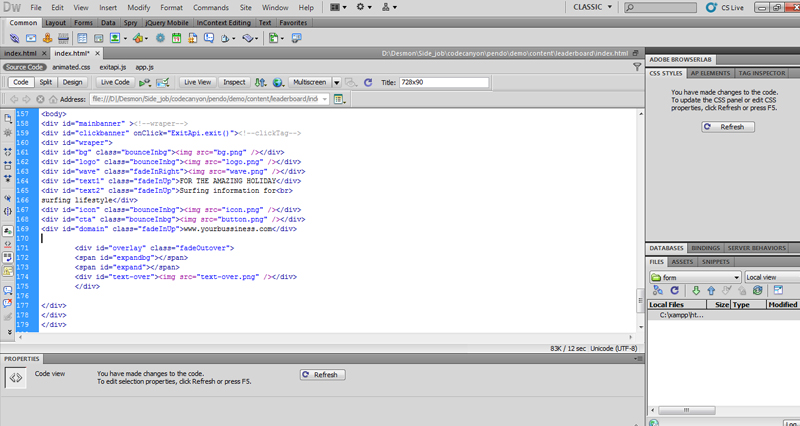
For change Hover animation position and element, goto /*overlay*/ section on style in index.html file, and you can change position there, for change text and element change with your own image or text, we use .png file there <div id="text-over"><img src="text-over.png" /></div>
For Advandce front-end developer you will easy change all element in code view
B) Sources and Credits - top
I've used the following font
http://www.1001fonts.com/oswald-font.html
https://www.google.com/fonts/specimen/Oswald
http://www.1001fonts.com/source-sans-pro-font.html
https://www.google.com/fonts/specimen/Source+Sans+Pro
Once again, thank you so much for purchasing this Template. As I said at the beginning, I'd be glad to help you if you have any questions relating to this Template. i have guarantees my file will work in following ads serving Doubleclick, GDN, Sizmek, but If you want using another ads serve, i will welcome to assist.
if you have any comment about my file, please don't hesitate visiting the forums and asking your question in the "Item Discussion" section.